





Virtual labs are simulated laboratory environments delivered through software that let students perform experiments, run simulations, and explore concepts safely online. They recreate hands-on experiences for subjects such as physics, chemistry, biology, engineering, and computer science — without the constraints of physical space, specialized equipment, or safety risks. As schools and colleges increasingly blend classroom technology into teaching, virtual labs have become a powerful tool to democratize practical learning.
What are virtual labs?
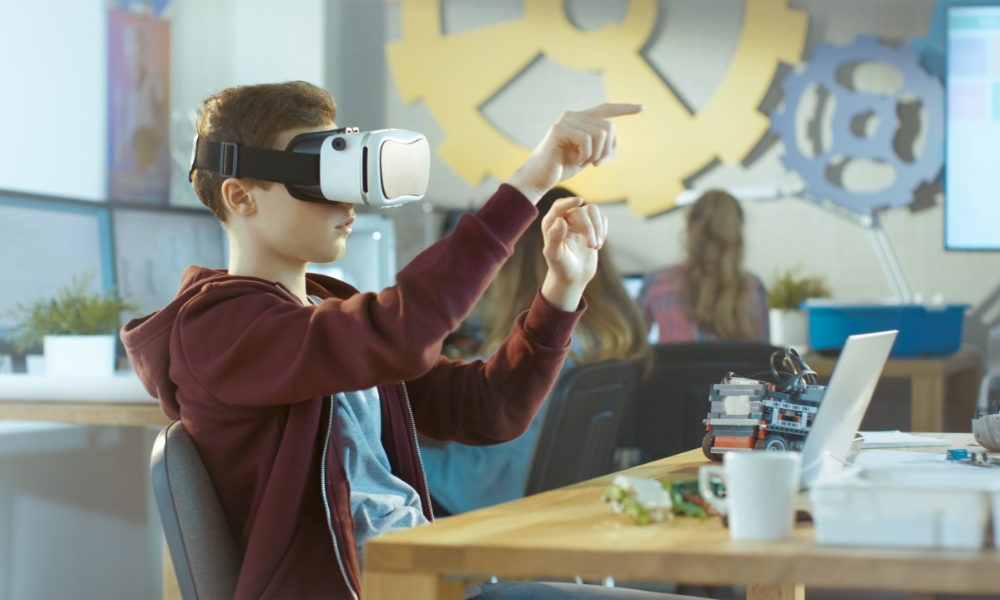
A virtual lab is an interactive, computer-based environment where experiments are modeled using physics engines, data sets, and multimedia. Students can manipulate variables, observe outcomes, repeat trials instantly, and receive immediate feedback. Virtual labs range from browser-based simulations and downloadable software to fully immersive experiences using AR/VR.
Key benefits of virtual labs
1. Improved access and equity
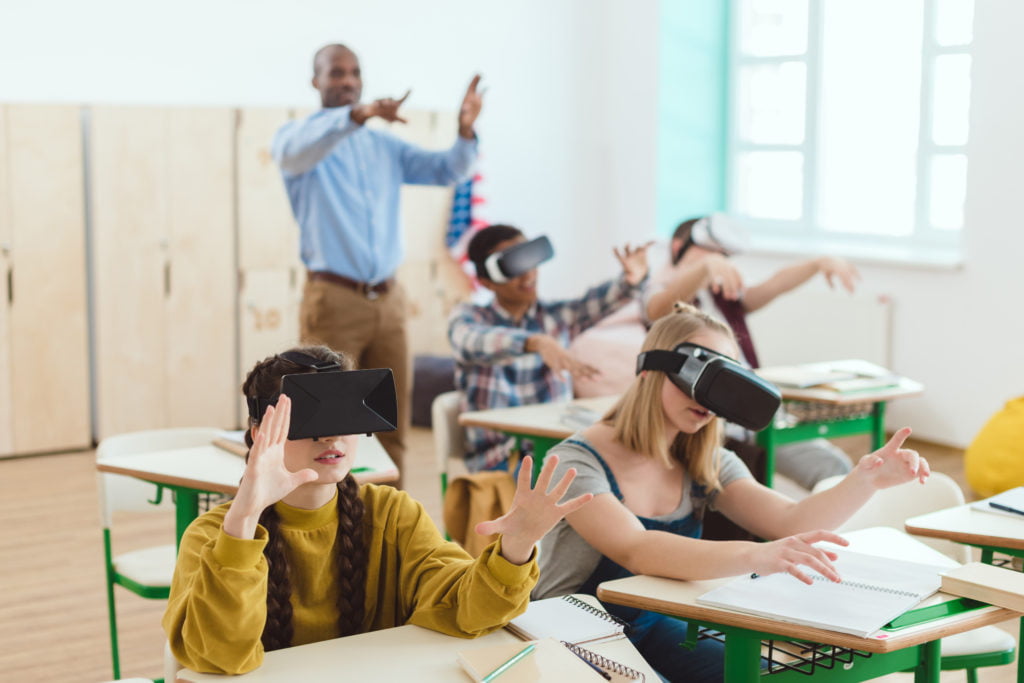
Virtual lab make practical learning available to students in remote or resource-limited schools that lack real lab infrastructure. All a student needs is a device and internet access to practice experiments that would otherwise be inaccessible.
2. Cost-effectiveness
Setting up and maintaining physical labs—consumables, equipment calibration, safety gear—can be expensive. Virtual labs reduce recurring costs and allow unlimited trial runs without additional material spend.
3. Enhanced safety and risk-free exploration
Dangerous or costly experiments (e.g., titrations with hazardous reagents, electrical fault testing) can be safely simulated. Students learn procedures and consequences without physical risk.
4. Repeatability and instant feedback
Students can repeat experiments as many times as needed to understand concepts. Many virtual labs include automated feedback, hints, and analytics that help learners identify mistakes and improve faster.
5. Supports differentiated learning and self-pacing
Virtual labs allow learners to explore at their own pace, accelerate when ready, or revisit foundational steps—ideal for mixed-ability classrooms and remedial support.
6. Data collection and analytics for teachers
Built-in logging and assessment features give teachers insight into student strategies, common misconceptions, time-on-task, and mastery levels—enabling targeted instruction.
Practical uses of virtual labs in education
Science classes (Physics, Chemistry, Biology): Simulate circuit construction, chemical reactions, cellular processes, and ecological systems.
Engineering & Robotics: Prototype circuits, test control algorithms, and simulate mechanical stresses.
Computer Science & Data Science: Run code experiments, test algorithms, and visualize data structures.
Vocational training: Practice troubleshooting, maintenance tasks, or medical procedures in a simulated environment before real-world practice.
Assessment & remediation: Create formative assessment tasks and corrective pathways based on performance analytics.
How to implement virtual lab in your school

1. Start with curriculum mapping
Identify syllabus topics that benefit most from simulation (e.g., optics in physics, enzyme reactions in biology) and select virtual lab that align with learning objectives.
2. Choose the right platform
Options include free browser-based sims, paid comprehensive platforms, and bespoke school-built modules. Evaluate for curriculum alignment, device compatibility, analytics, teacher support, and language/localisation.
3. Train teachers first
Teachers need confidence to integrate virtual labs. Offer hands-on workshops that cover technical use, pedagogical integration, and interpreting student analytics.
4. Blend with physical labs
Virtual labs are best used alongside real lab work. Use simulations for pre-lab familiarisation, post-lab analysis, or to practice steps before handling real equipment.
5. Ensure infrastructure and equity
Plan for device access, browser compatibility, and offline alternatives (downloadable modules) where connectivity is limited. Consider scheduling lab sessions in computer labs if 1:1 devices are not yet available.
6. Design assessment and feedback loops
Use virtual lab logs as part of formative assessment. Combine automated scoring with teacher moderation and reflective student reports to assess deeper understanding.
Challenges and limitations
Digital divide: Students without reliable internet or personal devices may be excluded unless schools provide access.
Authenticity: Some tactile and sensory learning aspects (smells, textures, fine motor skills) are difficult to replicate virtually.
Quality variation: Not all simulations are pedagogically sound—some simplify concepts too much or lack accurate models.
Teacher readiness: Effective integration requires teacher training and time for planning.
Best practices for success

Pilot small: start with a class or unit before scaling.
Pair virtual tasks with lab journals and reflective questions to deepen learning.
Encourage collaborative lab reports and peer review to maintain social learning.
Use analytics to identify struggling students and design targeted interventions.
Keep safety and ethics modules in the curriculum (e.g., simulated chemical waste disposal).
The future: AR/VR and AI-enhanced virtual labs
The next generation of labs will combine AR/VR for immersive manipulation and AI tutors that provide adaptive hints, detect misconceptions in real time, and offer personalized remediation. These developments will further close the gap between simulated and physical experiences.
Conclusion
They are a scalable, safe, and cost-effective way to expand hands-on learning. When thoughtfully integrated with classroom teaching and real-world practice, they improve access, deepen conceptual understanding, and give teachers actionable data. For schools seeking to modernize science and technical education, virtual labs are an essential component of a future-ready curriculum.
Frequently Asked Question — Virtual Labs
Q1. Are virtual labs a replacement for real labs?
Ans: No, Virtual labs complement physical labs by providing safe practice, pre-lab familiarisation, and extended experimentation, but hands-on tactile skills still require real-world practice.
Q2. Do virtual labs work offline?
Ans: Some platforms offer downloadable modules for offline use; however, many advanced virtual labs require internet access. Choose platforms that fit your connectivity constraints.
Q3. What devices support virtual labs?
Ans: Most browser-based virtual labs run on laptops, Chromebooks, tablets, and sometimes smartphones. Check platform requirements for optimal performance.
Q4. Can virtual labs be used for assessments?
Ans: Yes, Many platforms provide built-in formative assessments, logs, and analytics that teachers can use for grading and feedback.
Q5. How much do virtual labs cost?
Ans: Costs vary widely—from free simulations (PhET, BioDigital) to subscription-based platforms. Factor in licensing, device provisioning, and teacher training when budgeting.